Why Imagor Studio?
We were already serving millions of images, but we needed better tools for reviewing source files, shaping transformations, and keeping image operations close to our own stack. When we looked at alternatives, many pushed us toward hosted platforms or paid tiers before we even had the basics we wanted.
So we built Imagor Studio - open source, self-hosted, and designed for people who want control over image processing, editing workflows, and storage. It builds on years of work behind imagor and libvips-based image tooling. Your support enables continued development.
Self-host when you want to. Stay close to the open-source path. Keep control of your own stack.
High-Performance Image Browsing
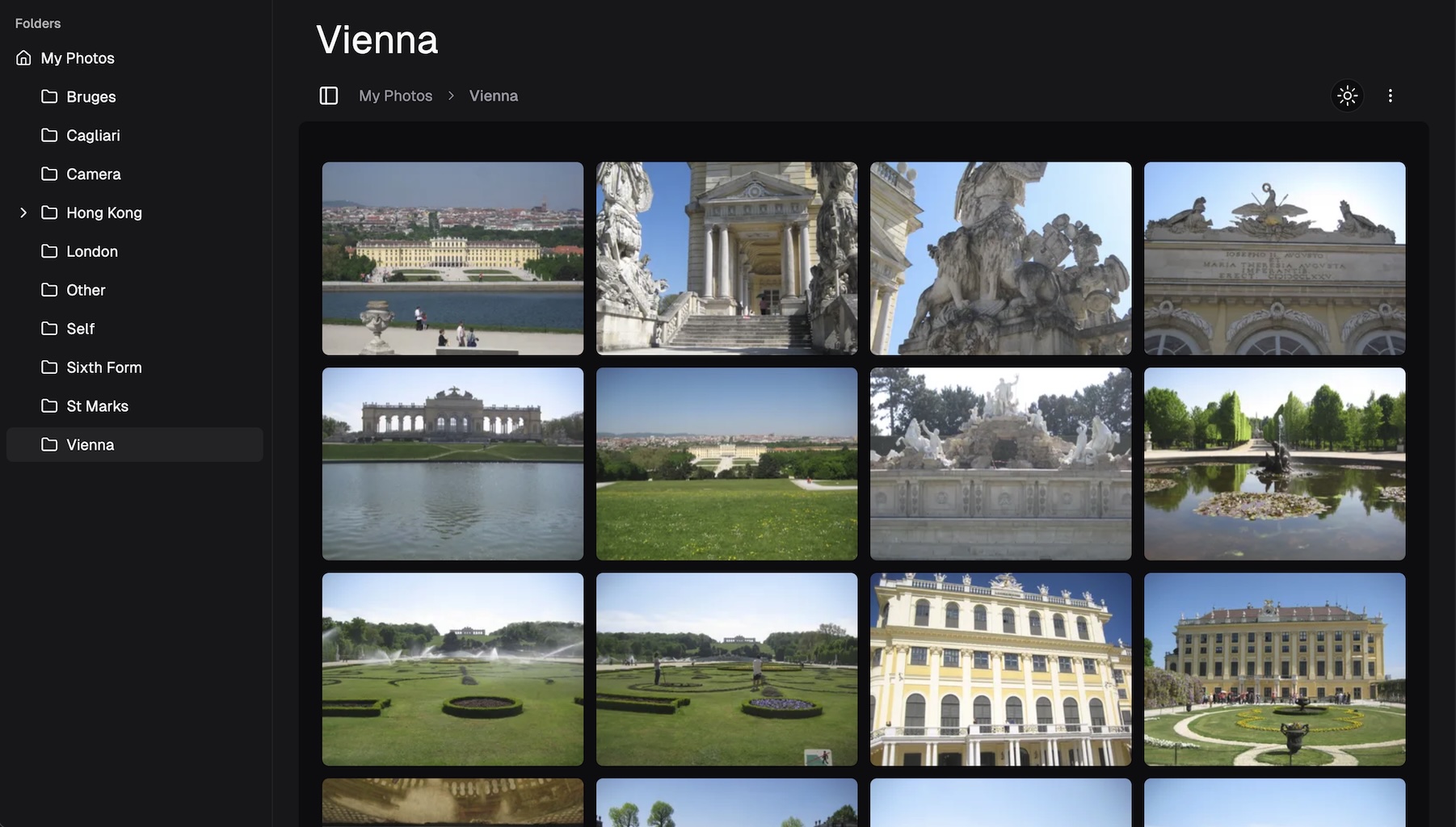
Browse large image folders without an indexing step. Point the app at your directory and start reviewing source files immediately.
Image Editing
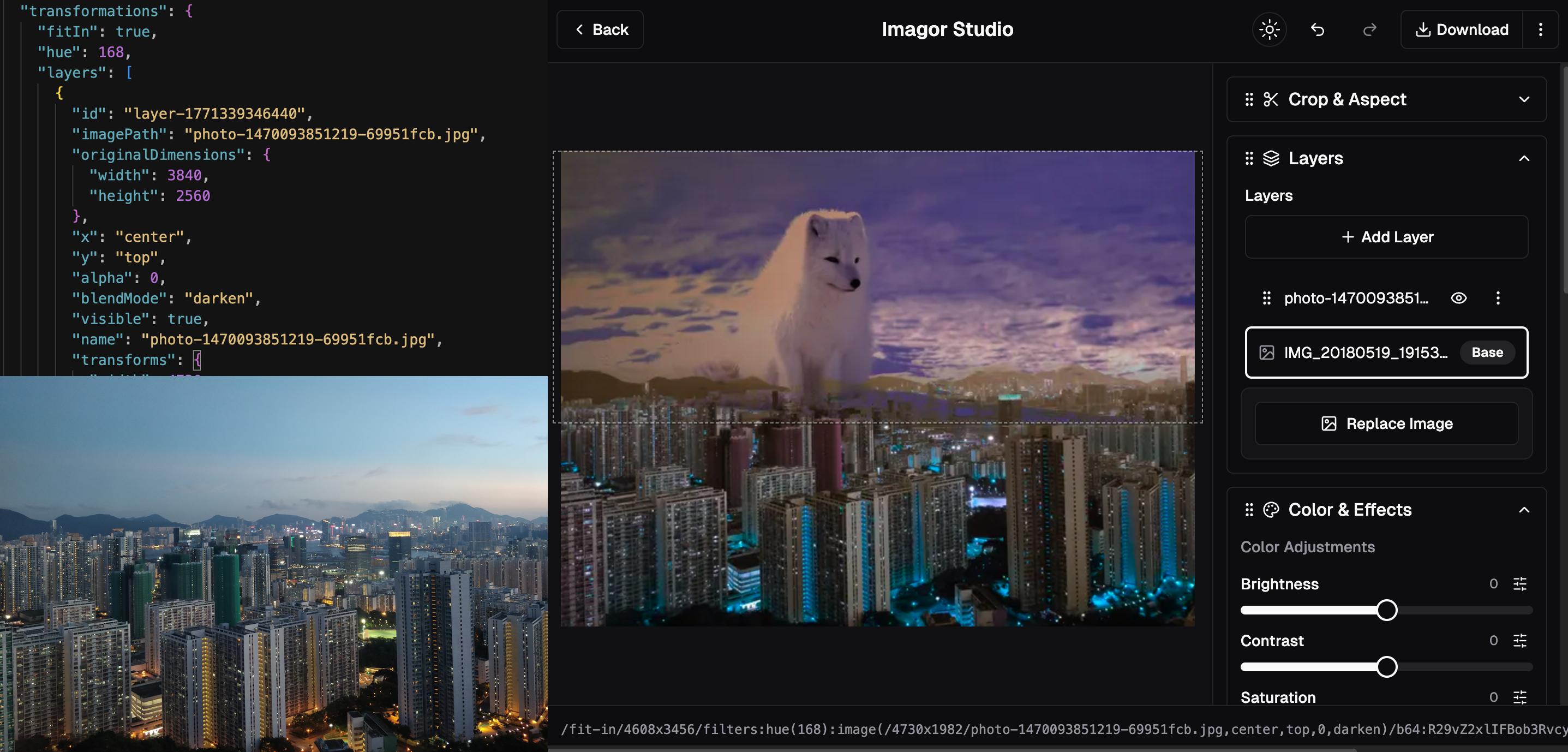
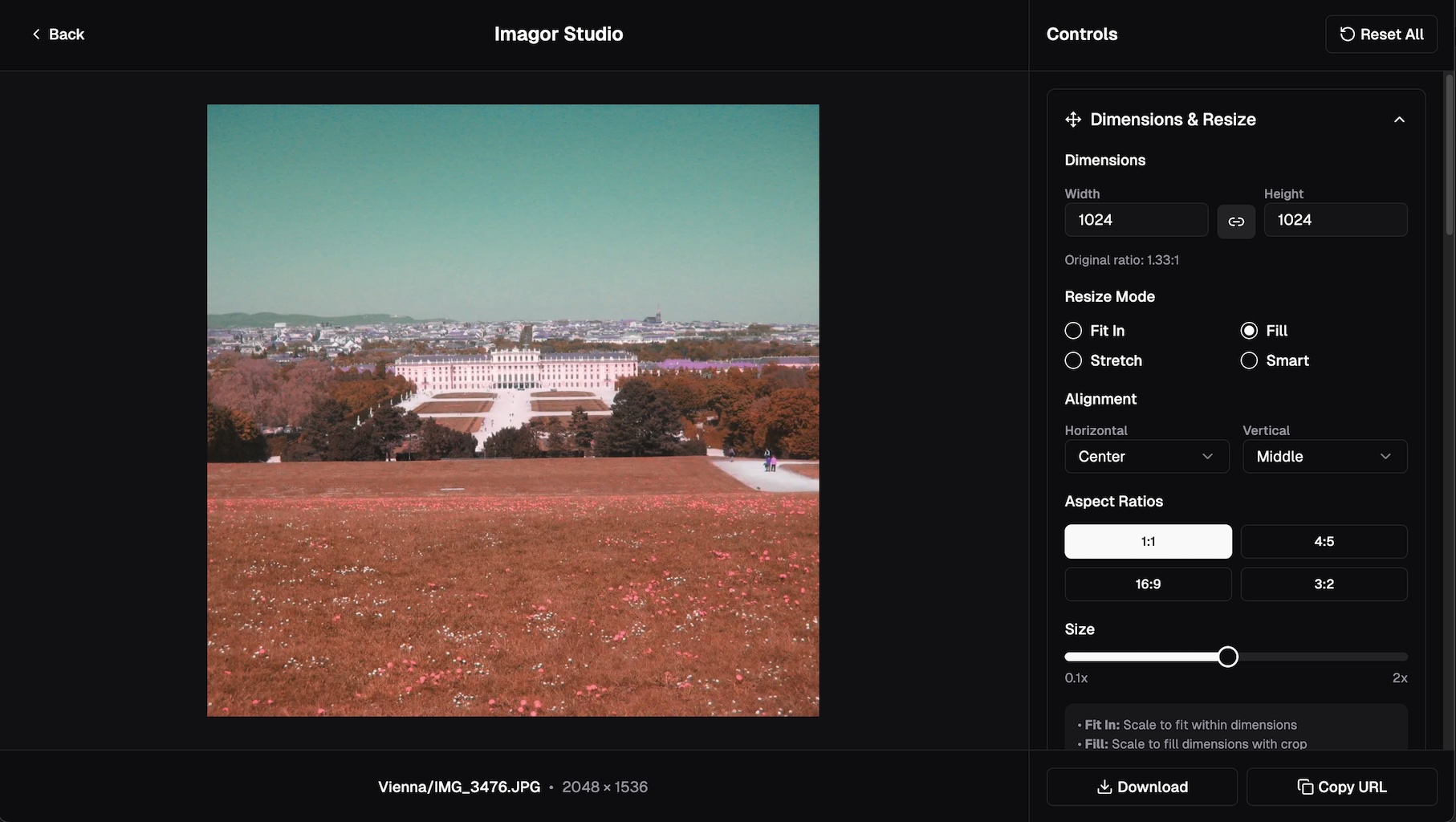
Build layered edits, preview the result, and copy the generated transformation URL. Your originals stay untouched.
Reusable Templates
Save image-processing setups as templates and apply them to different images. Create once, reuse everywhere in open JSON format.
Multi-Layer Editing
Stack multiple images with independent transformations for overlays, watermarks, and other layered edits.
Drag-and-Drop Management
Upload source files and organize them with drag-and-drop. Multi-select for bulk operations. Keyboard navigation support.
Non-Destructive Editing
Original files remain untouched while transformations are applied dynamically through URL-based image processing.
Universal Storage
Connect local filesystems, S3, MinIO, Cloudflare R2, and other S3-compatible storage for image review and delivery workflows.
Edit History
Undo and redo support with full editing history. URL state persistence for shareable editing sessions.